Booking that matches the site you designed.
You build the booking front end. Keptslot is the backend: availability, payments, reminders, and a dashboard your client runs their day from.
- No server to write or host
- Full API and webhooks on every plan, including Free
- Free for agencies and freelancers
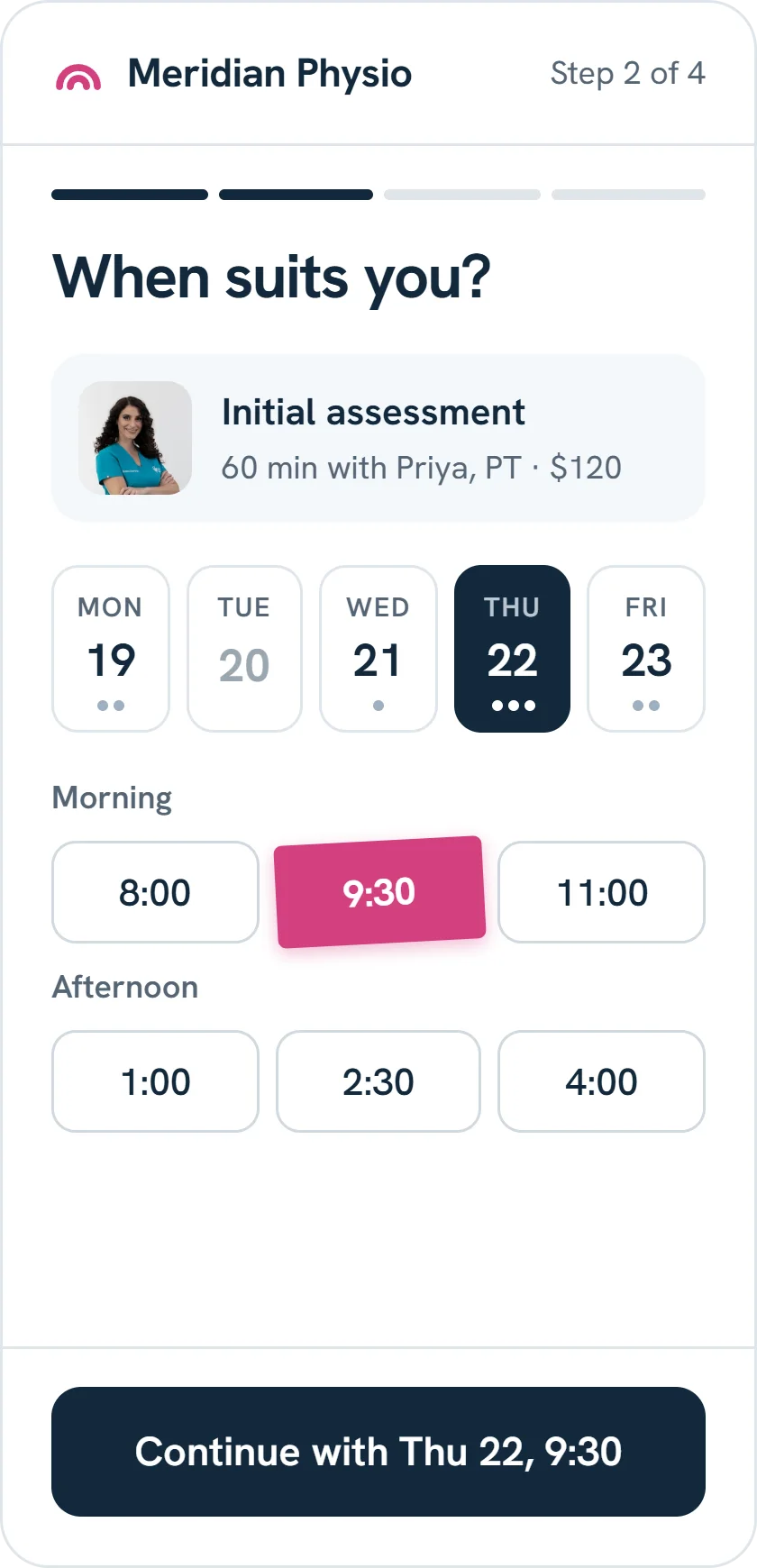
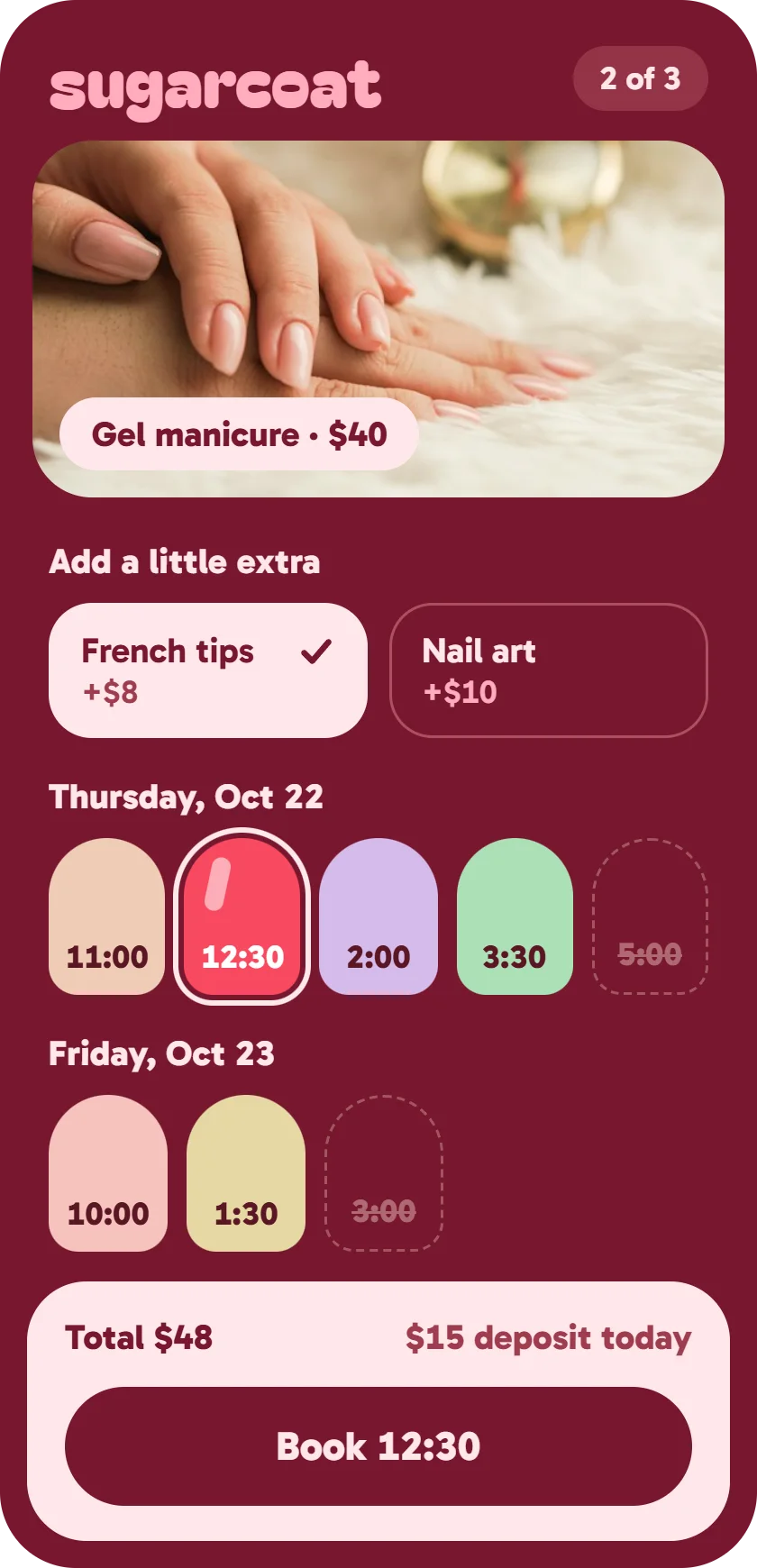
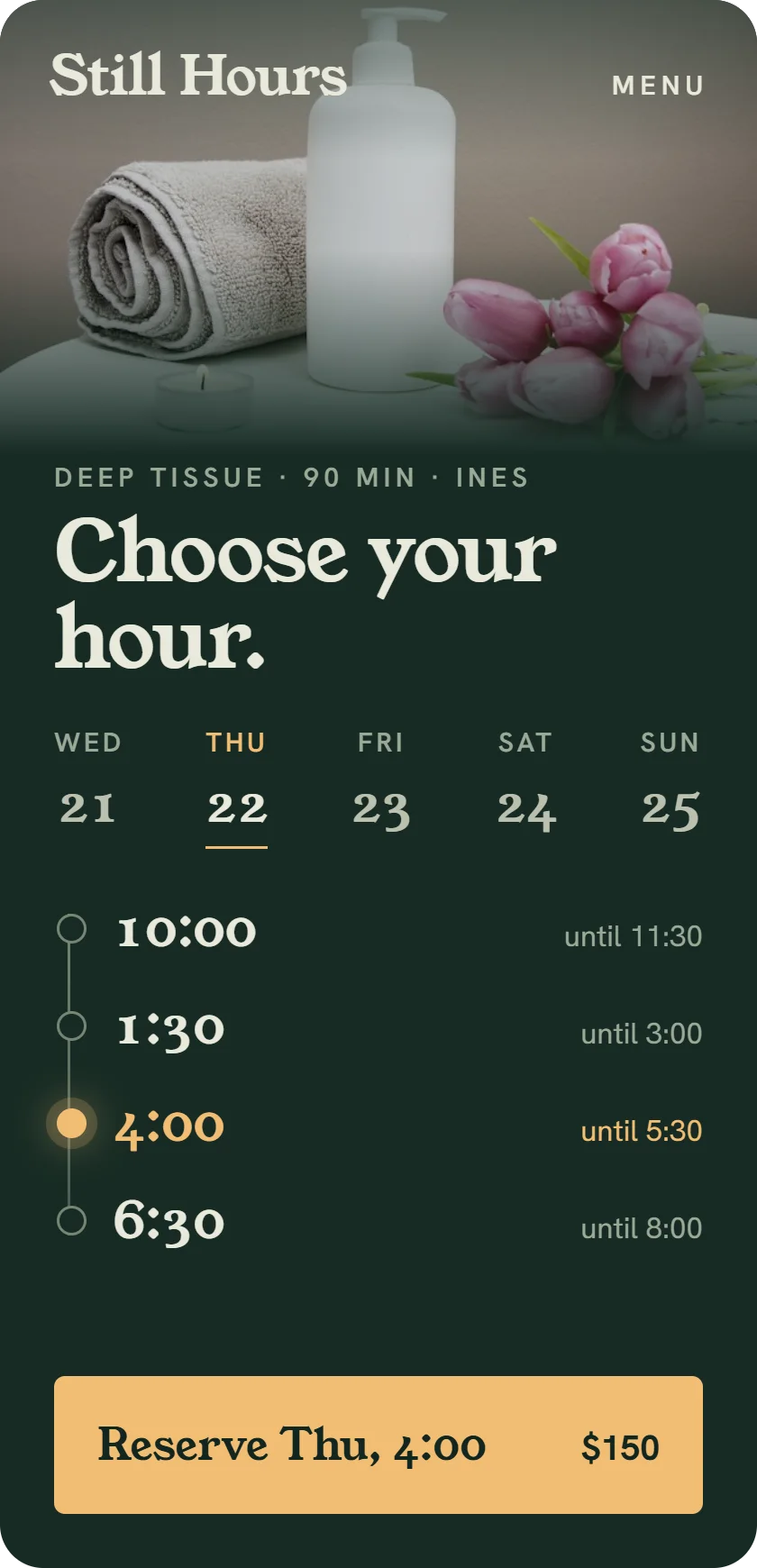
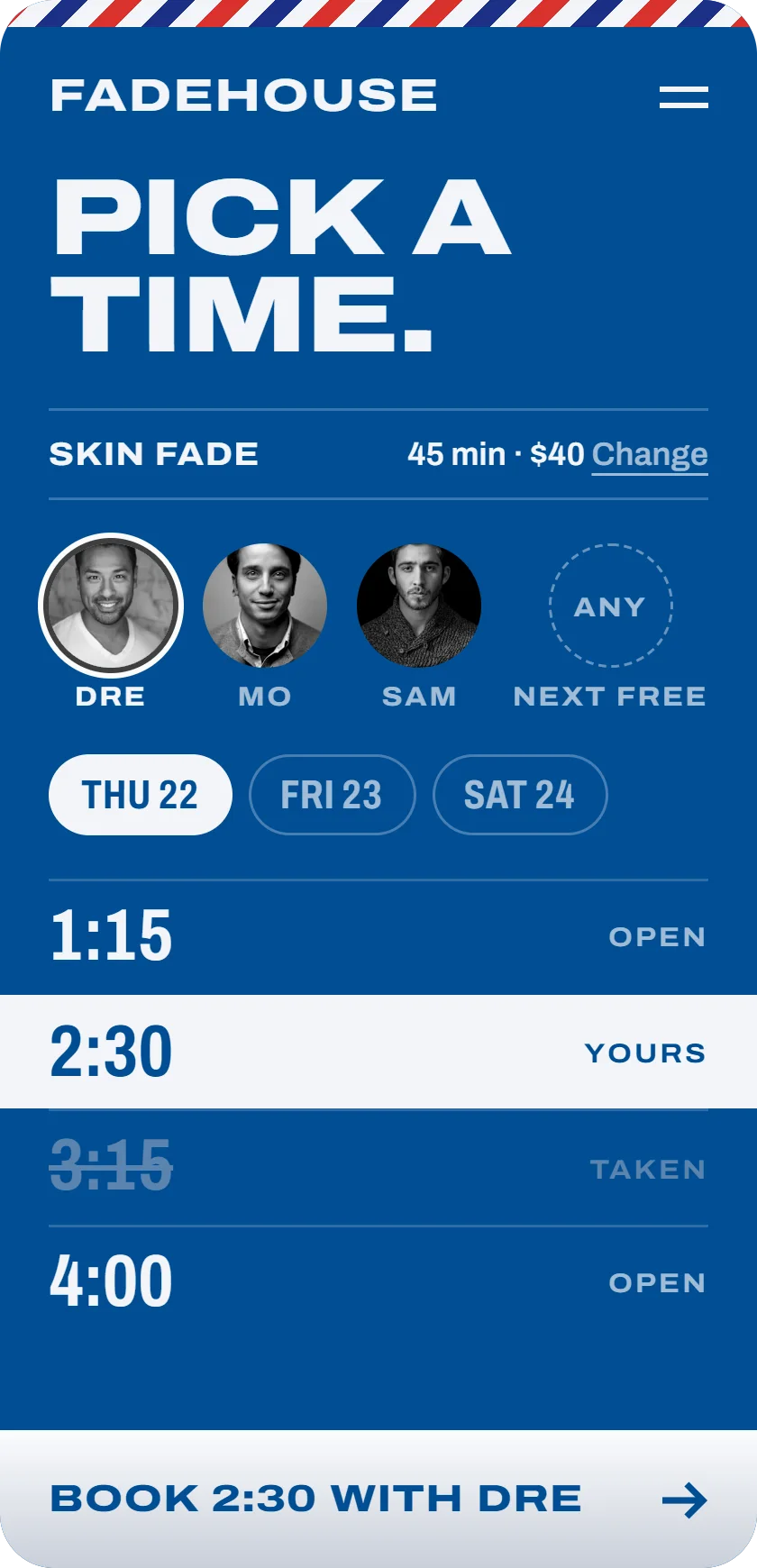
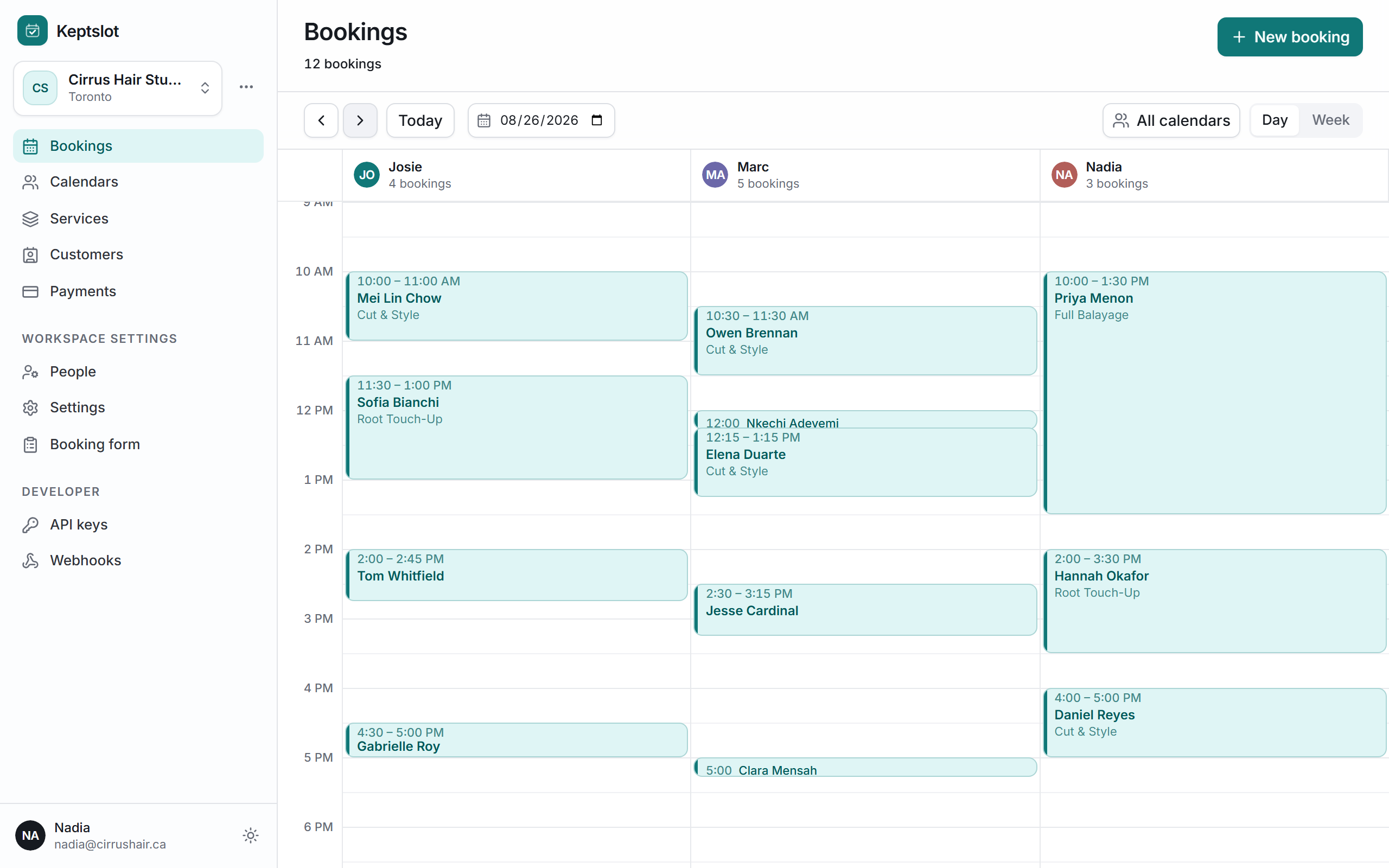
Every booking lands in their dashboard.
Bookings from your form, the hosted page and the front desk all land in one place. Your client runs the day from it, with a column for each calendar.
What you don't have to build.
Your form calls the API from the customer's browser with a publishable key. Browsers can only use it on the sites you list for it.
- Availability
- Across calendars, opening hours and service lengths.
- No double bookings
- A calendar can never be booked twice for the same time.
- Extras
- Add-ons a customer can pick, priced into the total.
- Deposits
- Stripe's payment form, paid into your client's own Stripe account.
- Email confirmation
- Optional. The customer confirms with a 6-digit code. Bookings that take a deposit skip it.
- Cancel and reschedule
- A private link for every booking, which can open your own page.
- Reminders
- By email, and by text in the US and Canada.
- Webhooks
- New, moved and cancelled bookings sent to other systems.
- The dashboard
- Your client sees every booking, whichever way it was made.
Set up every client from one place.
-
01
A workspace each
Create a workspace for each client from your own Keptslot account. It is listed under your account.
-
02
Set it up for them
Services, prices, calendars, hours and branding, all done before launch.
-
03
Hand it over
Invite your client to claim it when they are ready. You stay on as an admin.
-
04
Pay on your card
Optional. One subscription per client, billed to you, so they never get a Keptslot invoice. What you charge them is up to you.
If you stop paying for a client, their plan runs to the end of the paid period, then moves to Free. Nothing is deleted. You can leave a client at any time.
Frequently asked questions
Do we have to build a front end?
No. Your client's site can link to their hosted booking page, with no code. To have booking inside the site itself, build a front end on the API.
Is the publishable key safe in the browser?
Yes. It can check times, price a visit and make bookings, nothing else. Browsers can only use it on the sites you list for it.
Where do deposits go?
Into your client's own Stripe account. Taking deposits needs Pro and a connected Stripe account.
Can we leave a client?
Any time. Their workspace and bookings stay with them. If you pay for them, stopping that is a separate step on your billing page.
How do we get access?
Apply. It's free, and we reply to every application by email. Access goes on your existing Keptslot account.
Your next client site, with booking that fits.
Building with an AI coding tool? Get the ready prompt.